Vander App
Your digital key
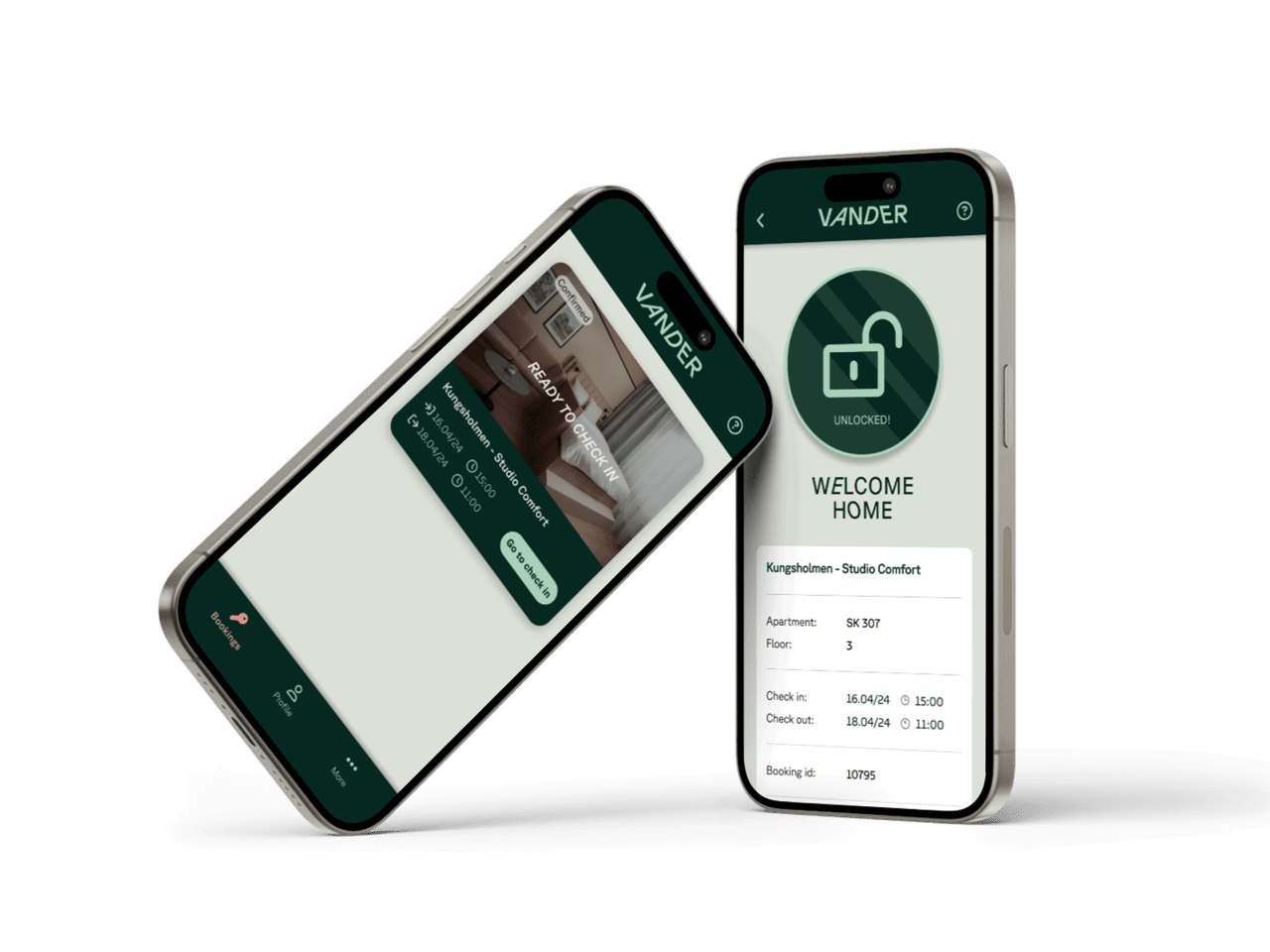
Download the Vander App and be able to check in- and out online and have your digital key, booking and apartment information in one place.


Discover the hassle-free way to unlock your room door with the Vander Key App
- Find your assigned apartment number in the app, indicated as "XX000"
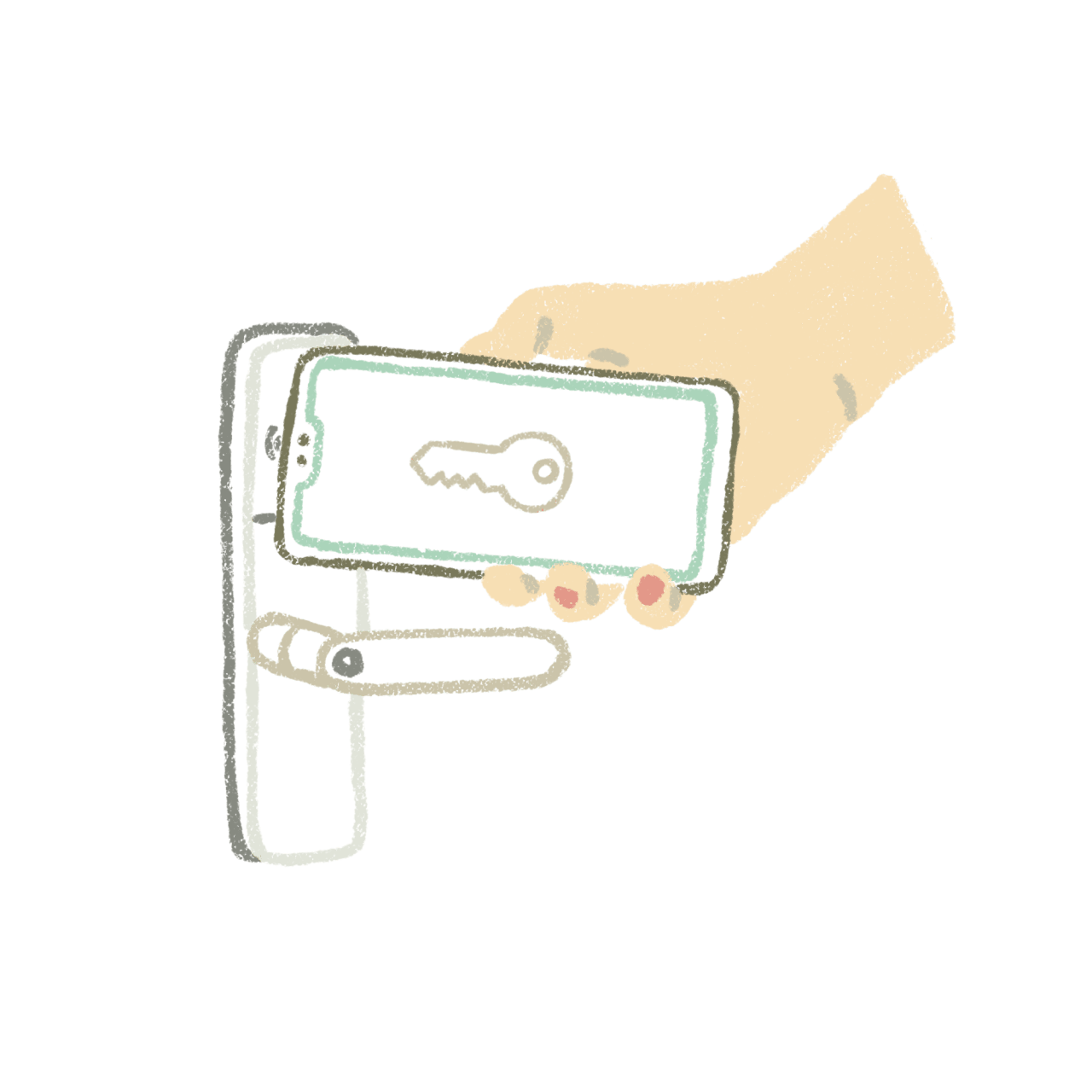
- Standing in front of your apartment door, hold your mobile phone on the lock with the key app open on the correct booking.
- Before clicking "unlock," it's vital that the backside of your phone is in direct contact with the lock (if any Apple Pay prompts appear, slide them away).
Issues?
- Bluetooth and WiFi/Roaming needs to be active.
- Make sure the mobile number you are logging in with is the same as you provided us. If not – let us know!
- Remember, it's crucial to follow these steps precisely to ensure a seamless door-opening experience.
- If you click the unlock button before positioning your phone against the lock or if your phone is too far away, the door will remain locked.
- Thick phone cases or cards in the case may affect the connection. Remove them when unlocking.